AR/VR Training: Ship Engine Valve Maintenance
An augmented reality prototype for hands-free, in-field maintenance assistance — built for WinGD, a leading developer of low-speed marine propulsion engines. Replaces printed maintenance booklets with contextual AR guidance overlaid directly on the physical equipment.
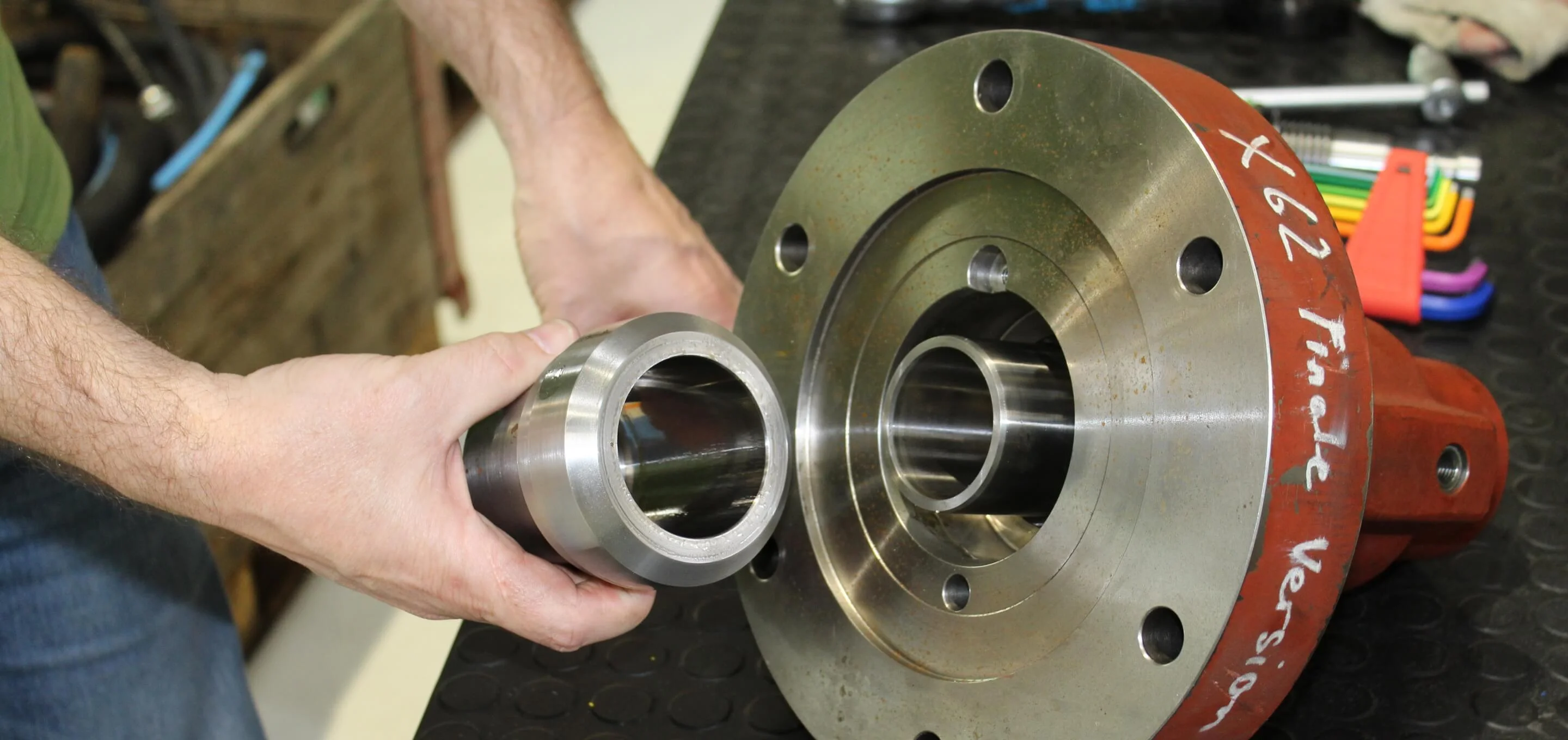
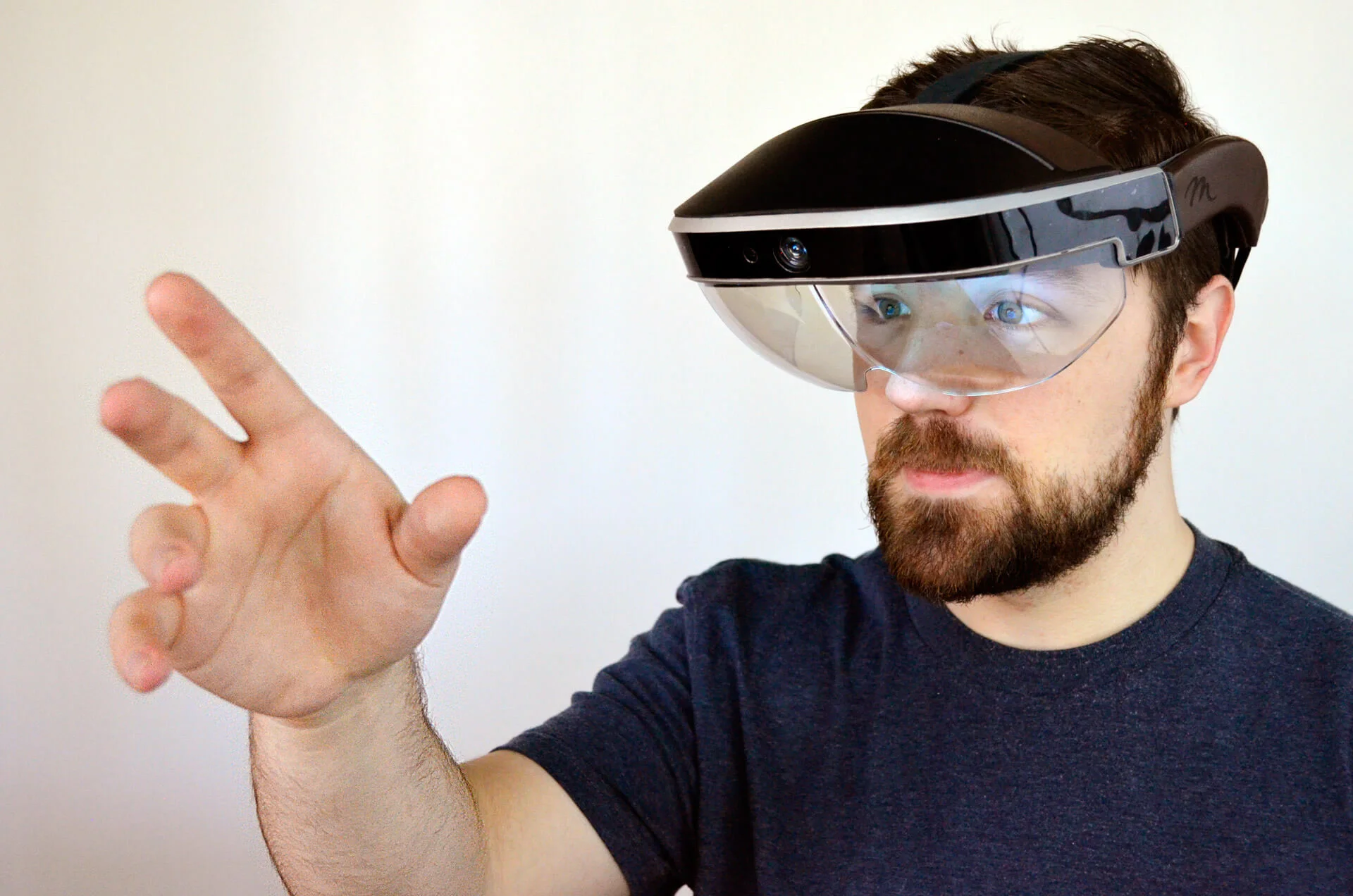
Immersive Training — AR-guided valve maintenance prototype using Meta2 glasses
WinGD's maintenance personnel working on ship engines must navigate extensive printed documentation while physically inside narrow engine compartments — already carrying tools and equipment. The company wanted to replace this documentation-heavy, error-prone process with a non-intrusive, hands-free in-field assistance system. The requirement: demonstrate how future maintenance training and on-site guidance could work using mixed reality.
Designed and built a three-module AR system covering the complete training and maintenance lifecycle — from exploratory learning through disassembly to interactive in-field repair. Used Meta2 AR glasses for a wide field-of-view, hands-free experience. Integrated Vuforia marker detection for real-time 3D object anchoring, Microsoft speech recognition for voice-driven interaction, and a virtual assistant (Sia) to handle context-aware command routing. All three modules were implemented as a working Unity prototype demonstrated to WinGD stakeholders.
Exploratory Training
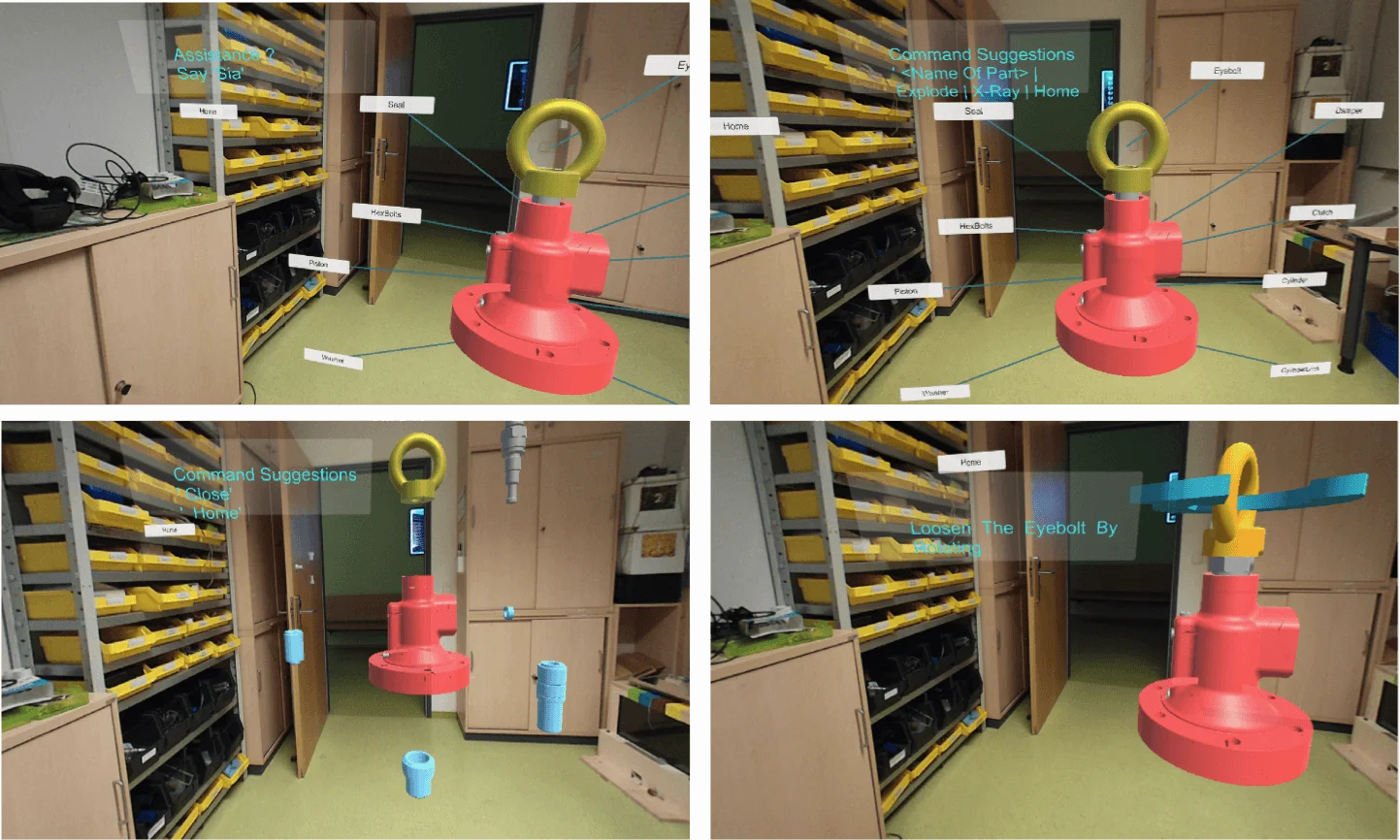
Learn about the physical engine valve model with the help of augmented elements — labels, part descriptions, and interactive 3D overlays anchored to the real object.
Disassembly & Assembly
Follow step-by-step AR instructions to deconstruct and reconstruct engine components. Each stage is guided with spatial overlays so the technician never loses their place.
Interactive Maintenance
Get contextual information on valve part status and repair procedures in real-time. The system understands environmental context and the user's current state to surface only relevant guidance.
The requirement for a hands-free experience shaped the entire interaction model. Based on literature research and hardware capability assessment, the Meta2 AR glasses were selected for their wide field of view. The interaction vocabulary was defined around physical egocentric navigation and four manipulation primitives: object selection, XYZ-plane positioning, scaling (to inspect small components), and rotation (to access inaccessible sides of a part).
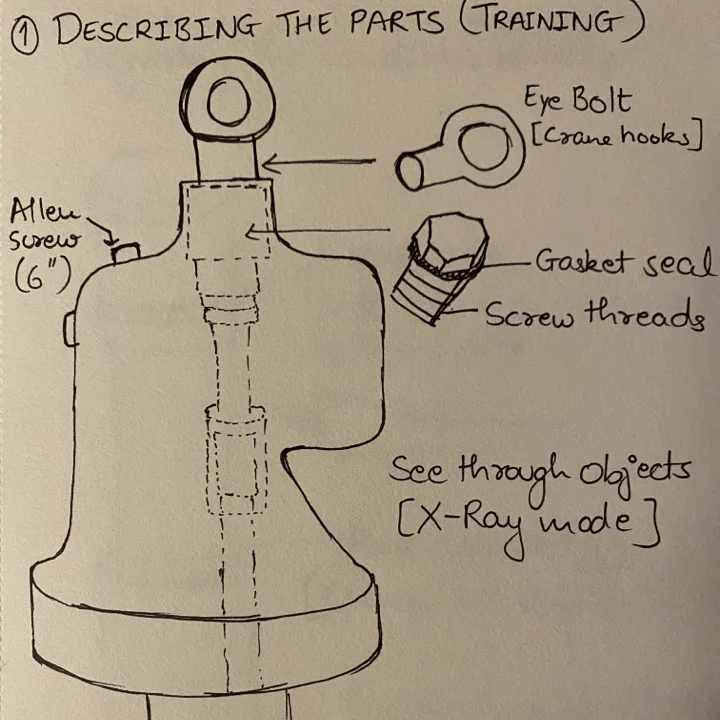
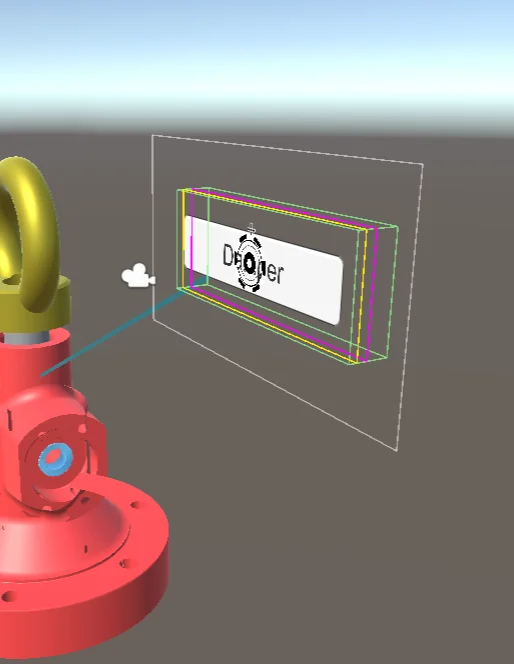
The working prototype was built in Unity 2018 using the Vuforia AR SDK for object recognition. Vuforia tracks planar image targets to anchor the 3D valve model in real-world space — a printed marker triggers instantiation of the full 3D model at the correct position and scale. A dynamic canvas renders labelled lines from part names to their physical locations on the valve. An X-Ray feature allows inspection of enclosed components inside the casing.
Sia — Personal Virtual Assistant
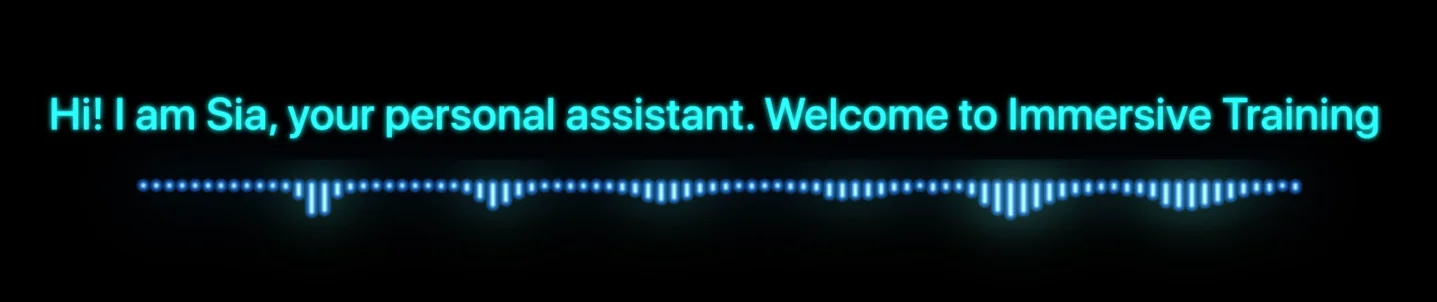
Air-touch interaction was sufficient for exploratory training, but as the system moved into disassembly and maintenance scenarios, technicians were pre-occupied with the physical task. A second interaction modality was introduced: speech. Using the Microsoft Windows speech library with an external microphone, the system accepts voice commands triggered by the wake word “Sia”. A tag-along canvas in the user's field of view shows available commands at any given time, adapting to the current scenario context.